How to Stake Constellation DAG
Digital Ascension Group has launched a validator node on the Constellation Network, allowing you to stake your DAG tokens and earn rewards through delegation.
Here’s what you need to know to delegate your $DAG Tokens
What You Need:
At least 5,000 DAG tokens
Stargazer wallet (Chrome extension is the best option at the present time)
Step-by-Step Instructions:
Set up your wallet: Make sure your DAG tokens are in your Stargazer wallet
Find Digital Ascension Group validator: Go to the DAG Explorer at www.jake-claver.com
Start delegation: Click "Delegated Staking" on the explorer page
Search for validator: Click "Validators" and type "Digital Ascension Group"
Connect your wallet: Link your Stargazer wallet to the DAG Explorer
Complete delegation: Click "Delegate" (this button only shows up when your wallet is connected), then sign the transaction
Important Things to Know:
One-time delegation: You must delegate your full amount at once - you can't add more tokens later from the same wallet
Automatic rewards: Your rewards compound automatically
Unstaking period: If you want to stop staking, there's a 21-day waiting period to unlock your tokens
Display delay: If you don't see your delegation immediately, wait 30 minutes for the system to update
Where to Check Your Progress: Your rewards will automatically accumulate and be visible on the "View My Delegations" page after delegation is successful.
Below you'll find detailed step-by-step instructions with screenshots to guide you through the entire process.
STEP 1:
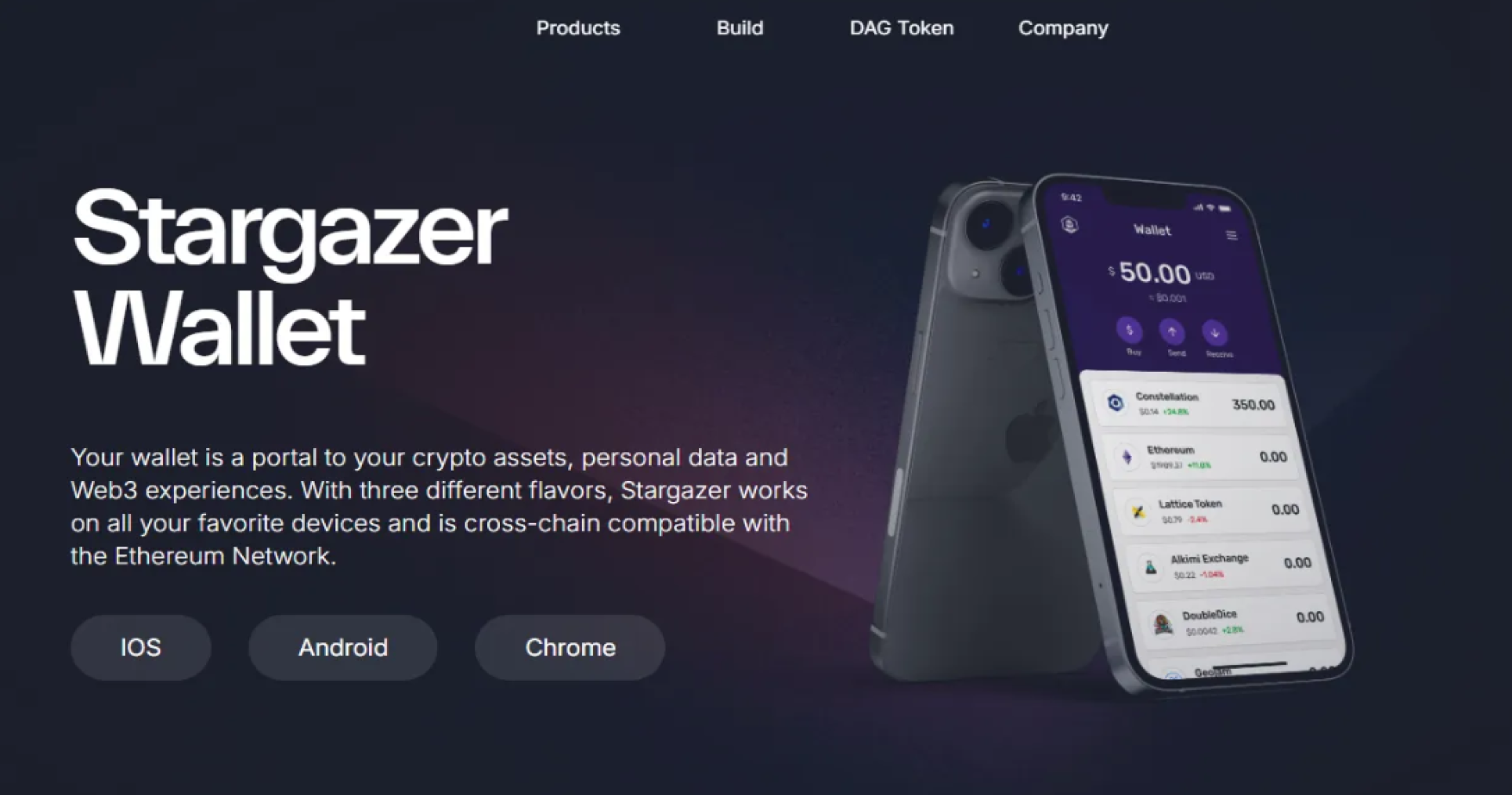
Download the DAG Stargazer Wallet for Chrome on the Constellation website. This will be much easier to do than doing this on the Phone app Stargazer Wallet.
www.jake-claver.com